

As a designer moving toward full-stack development, one of the best ways to learn is by reverse-engineering your favorite websites. (This works for all design-learning, that’s why I assign CopyCat assignments when I teach!) You might be surprised to learn that massive enterprises like The Walt Disney Company, The White House, and even Microsoft News rely heavily on WordPress for their content hubs.
Watch How: Wait, Disney and Microsoft Use WordPress? Here’s How to Prove it.
Here are the two best ways to uncover any website’s underlying framework.
Method 1: The Quick Extension Route (BuiltWith)
The fastest way to inspect a site’s tech stack is by using a dedicated Chrome extension like BuiltWith Technology Profiler.
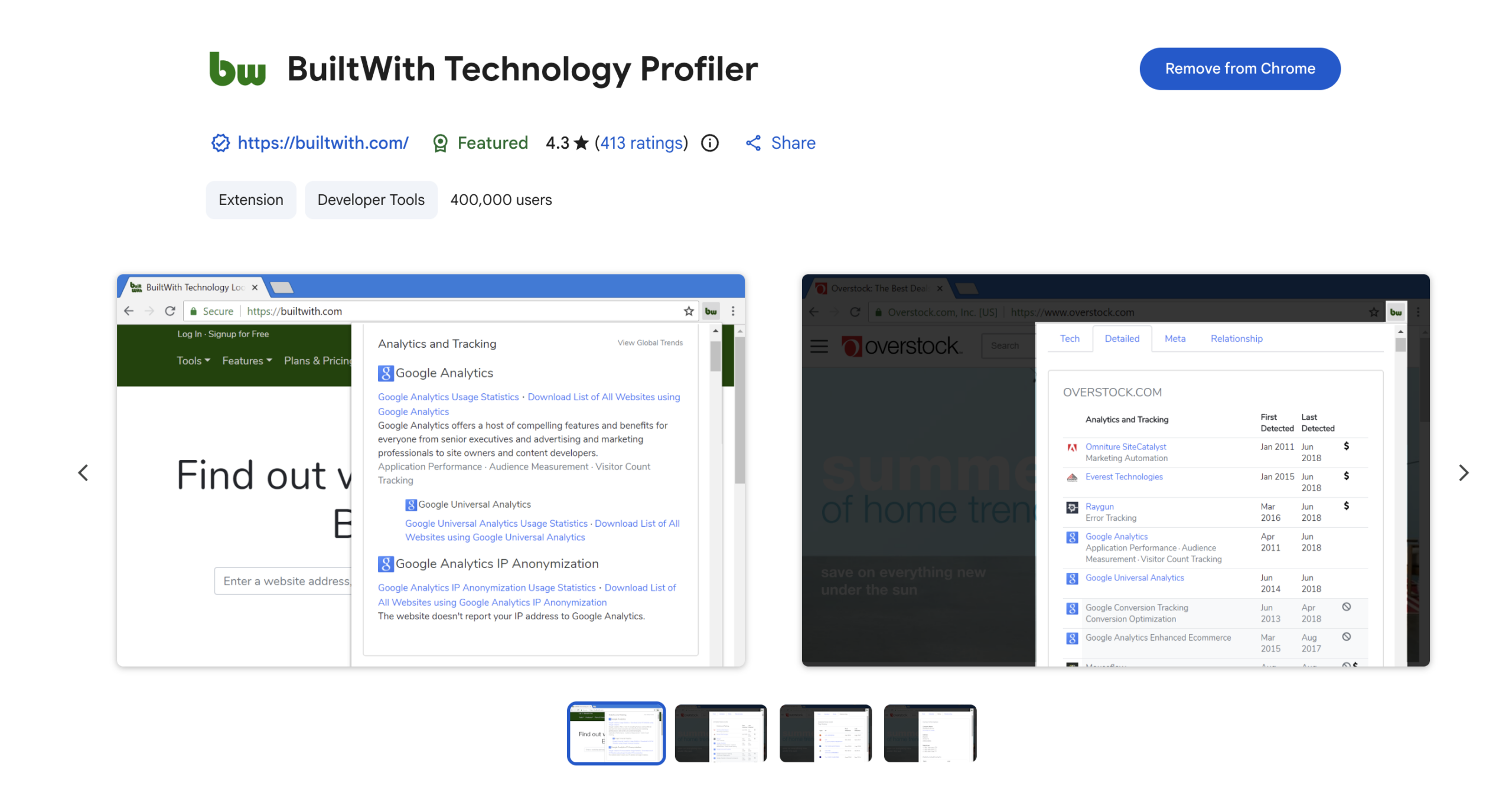
How it works:
Install the extension, click the puzzle-piece Extension icon in your toolbar, then scroll to select the BuiltWith extension. Pass the security check, and scroll through the detected technologies.
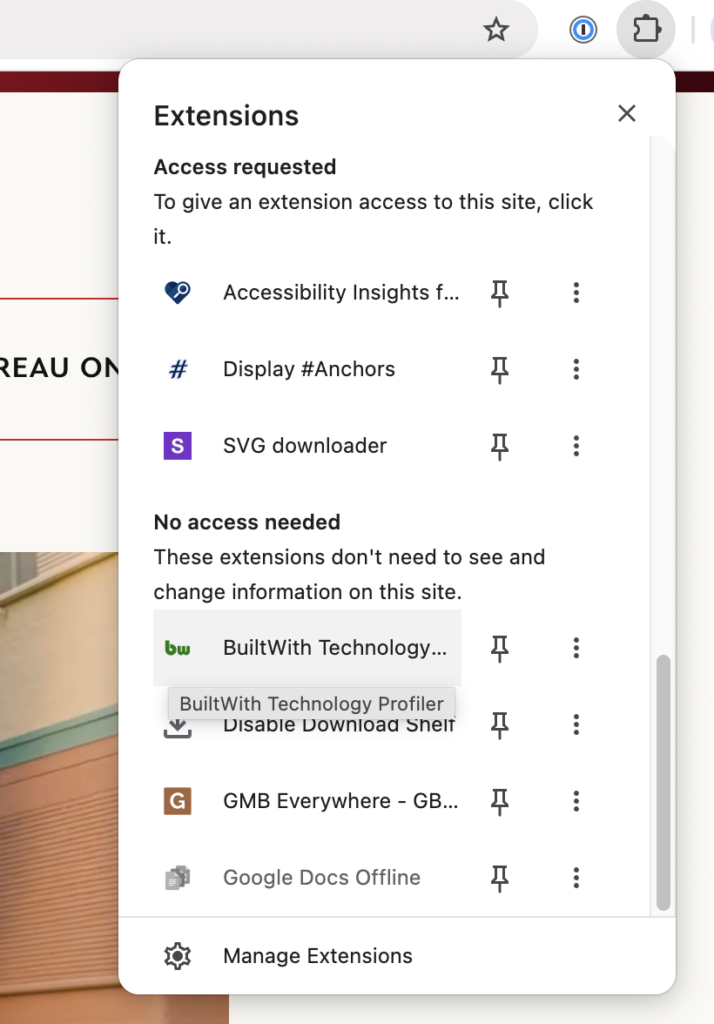
Dead Giveaways for WordPress:
Look for common plugins clustered at the top like Yoast SEO, Jetpack, or ElasticPress.

If you scroll down to the “Content Management System” section, WordPress will be explicitly named.
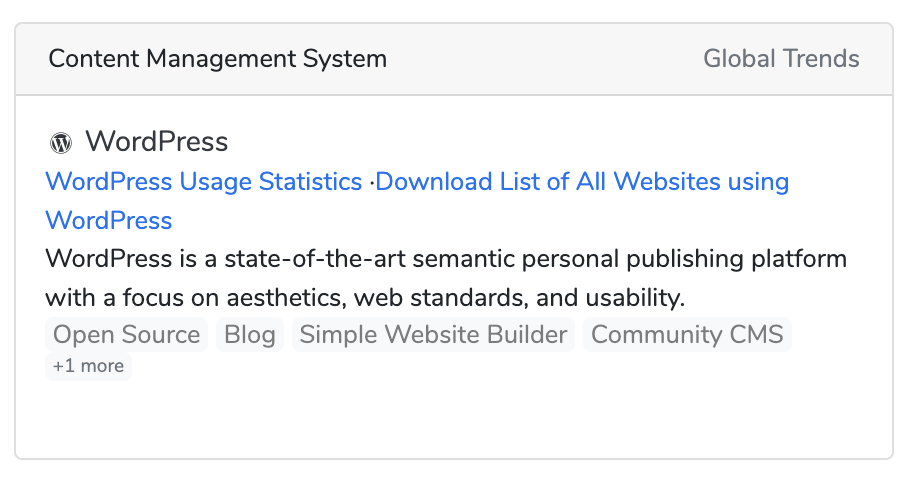
Method 2: The Dev Way (View Page Source)
Major enterprise sites sometimes block profile trackers, giving you the BuiltWith extension misleading technology error: “This domain provides misleading technology profiles sorry.” (Microsoft.com does this on its subdomains).
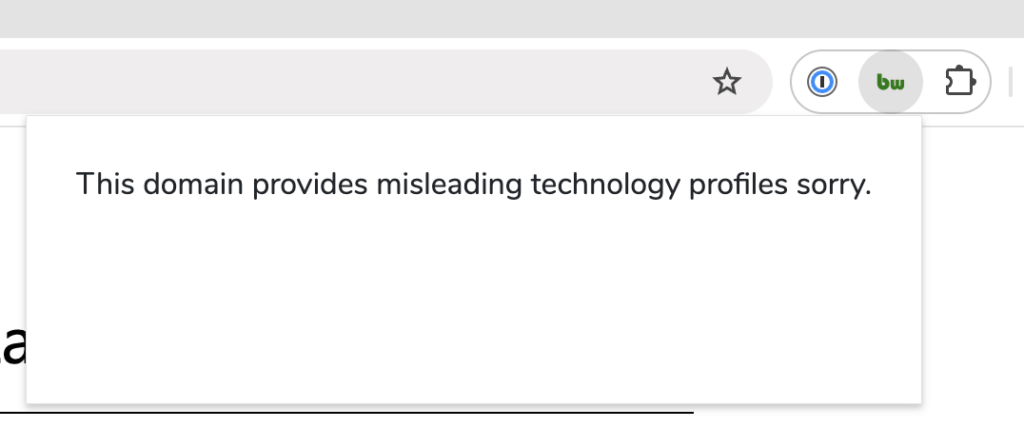
When extensions fail, you have to look under the hood manually.
- Right-click on the webpage and select View Page Source.
- Open the search bar using Command + F (Mac) or Control + F (Windows).
- Type in
wp-.
Why this works: WordPress fundamentally relies on a specific asset directory structure. If you see paths containing wp-content, wp-includes, or wp-content/uploads at the top of the HTML file, it is an undeniable fingerprint of a WordPress site. Also, if you see plugins like Yoast or JetPack, then the site is using WordPress.

Frequently Asked Questions
Happy Reverse-Engineering!
Whether you use a quick extension like BuiltWith or roll up your sleeves to manually dig through the source code, pulling back the curtain on live websites is one of the fastest ways to level up your development knowledge.
The next time you stumble across a beautiful web experience, don’t just admire the UI—right-click, view the source, and see how the magic is actually made. You’ll quickly realize that even the biggest brands in the world use the same building blocks available to you.
What to Read Next on Designer to Full Stack
If you enjoyed learning how to spy on enterprise tech stacks, check out these guides to keep pushing your skills forward:
- Squarespace SEO Hack: Automating and Nesting FAQ Schema with JavaScript – Now that you know how to spot what platform a site is on, learn how to push a closed CMS like Squarespace past its native limitations using standard vanilla JavaScript.
- The “Deceptive” Anchor: Why Wix Studio’s Built-In Anchors Fail External Traffic (and how to fix it) – Working with standard browser behavior means knowing when built-in platform tools fall short. Dive into custom Velo and CSS fixes for managing external traffic links.
What brought you Joy today?
Today, a neighbor told me how much he loved my child. My heart is full; it truly does take a village!


