

Today, a client who uses Microsoft Outlook attached an email to our email thread. In Gmail (Email for Work edition), it came through as an attached .eml file.

I downloaded the .eml to my desktop, but by default, opening it would try to initiate Mail (which I don’t use) or Outlook (which I also don’t have set up). All I want to do is open and read the email. The easiest way to do so?
Open your .EML file on your Mac in a Browser
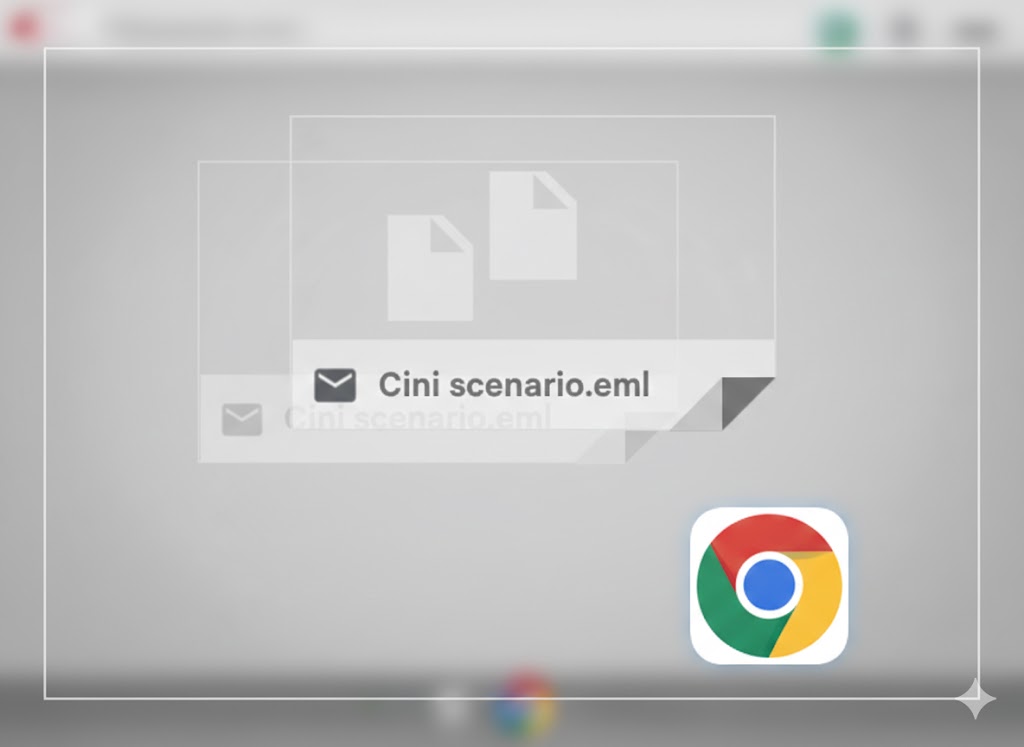
Simply drag the EML file into my browser. Any browser tab will render the .eml file.
Security note: Always scan .eml files. Because they are essentially containers, they can sometimes house malicious scripts or phishing links that bypass basic surface-level email filters.
Digging Deeper
Why this happens
Outlook uses a proprietary format (“Item”) for attachments, but when it leaves the Microsoft ecosystem, it’s often converted to a .eml file (the standard MIME RFC 822 format). Since Gmail doesn’t always have an “inline” viewer for nested .eml files, it treats it like a cold, hard piece of external data.

