

I recently attempted to remove the background from an iPhone-recorded video for a middle school project. The footage included four students and one child in a constantly moving inflatable dinosaur costume. I expected the process to be straightforward, but removing the background cleanly was much harder than anticipated.
As a long-time Adobe user, I assumed Adobe Premiere would handle this easily. It didn’t.
Adobe Premiere: Major Struggles with Background Removal
In Adobe Premiere, I tested every traditional method available: color keys, luma keys, masking, and mask tracking. None produced a clean, usable result without hours of manual refinement.
So, I shifted gears and started researching AI background video removal tools, hoping new machine-learning-powered editors might perform better.
⭐ Best AI Video Background Removal Tool: Wondershare Filmora
After comparing several tools, the clear winner was Wondershare Filmora, specifically its Smart Cutout Video feature.
Filmora’s tool worked shockingly well; it captured all five subjects, including the fast-moving dinosaur costume, and maintained crisp edges throughout the test video.
Why Filmora Stood Out
- The Smart Cutout Video tool handled complex movement better than all competitors.
- Both Simple and Advanced modes allowed easy, precise control, including brush size, edge thickness, and edge feather.
- Background removal felt fast, intuitive, and required minimal manual cleanup.
- Pricing is reasonable: a monthly subscription starts around $6, and a perpetual license is available.
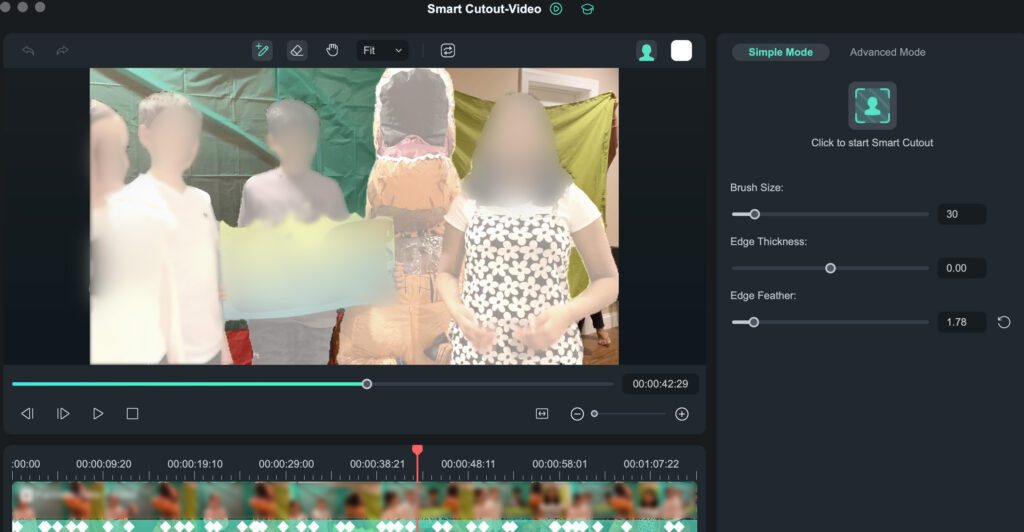
For my particular video, lots of motion, multiple people, and a chaotic background, Filmora was the only tool that got it right.
Wondershare’s complete video editing tool offers a monthly subscription and a perpetual license option for a specific release. Currently, the monthly rate starts at about $6.

Other AI Video Background Removal Tools I Tested
Below are the other tools I tried, along with why they failed to deliver.
Adobe Express — Background Removal Fail
(https://new.express.adobe.com)
Adobe Express offers a browser-based Remove Background feature. It processed my 1-minute clip in a few minutes and did well on one child and the dinosaur, producing very crisp edges.
But the problem?
It only detected 2 of the 5 people in the video. Three students were completely missing.
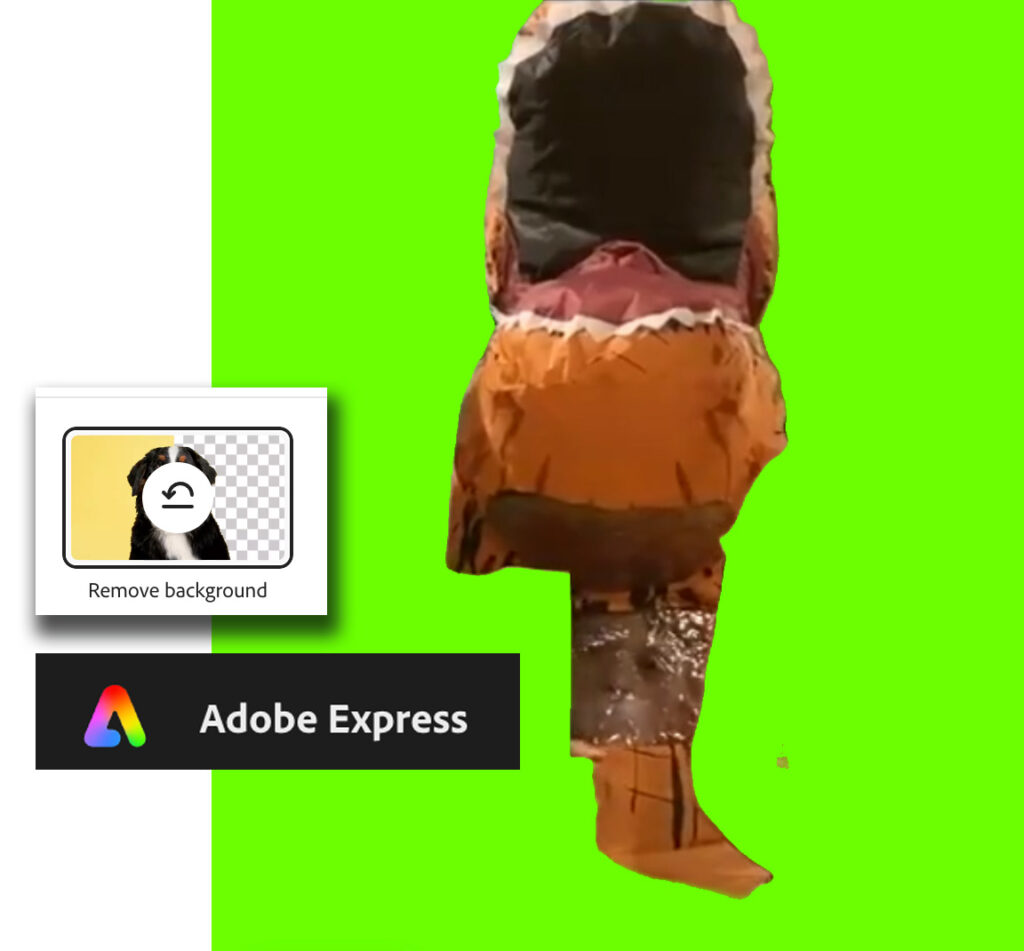
Since Adobe Express offers no refinement controls, the result was unusable. What you see is what you get—and what I saw wasn’t enough.
Veed.io — Partial Detection, Low Accuracy
Veed’s background-removal tool captured only parts of the dinosaur and three of the four other students. The mask boundary was not as clean as Adobe Express, and again, there were no refinement tools.
Partial capturing/masking of the video’s subjects ruled Veed out for my use case.

Descript — Almost Worked, But Not Quite
Descript successfully detected all human subjects—but completely missed the inflatable dinosaur costume. The mask quality was strong, but without a way to tell Descript which areas to include, the tool still failed.
Unscreen — Didn’t Test (Paywall)
Unscreen might have worked, but its pay-first model prevented me from testing it. Other tools let you experiment for free (often with a watermark), so I skipped this one.
Final Verdict
After real-world testing on a complex, fast-moving video with multiple subjects, Wondershare Filmora clearly outperformed Adobe Premiere, Adobe Express, Veed, Descript, and Unscreen.
If you need AI-powered video background removal, especially for chaotic footage, Filmora’s Smart Cutout Video tool is currently the most accurate and user-friendly option I’ve found.

