

One common UX issue with CMS-driven blogs in Webflow is this:
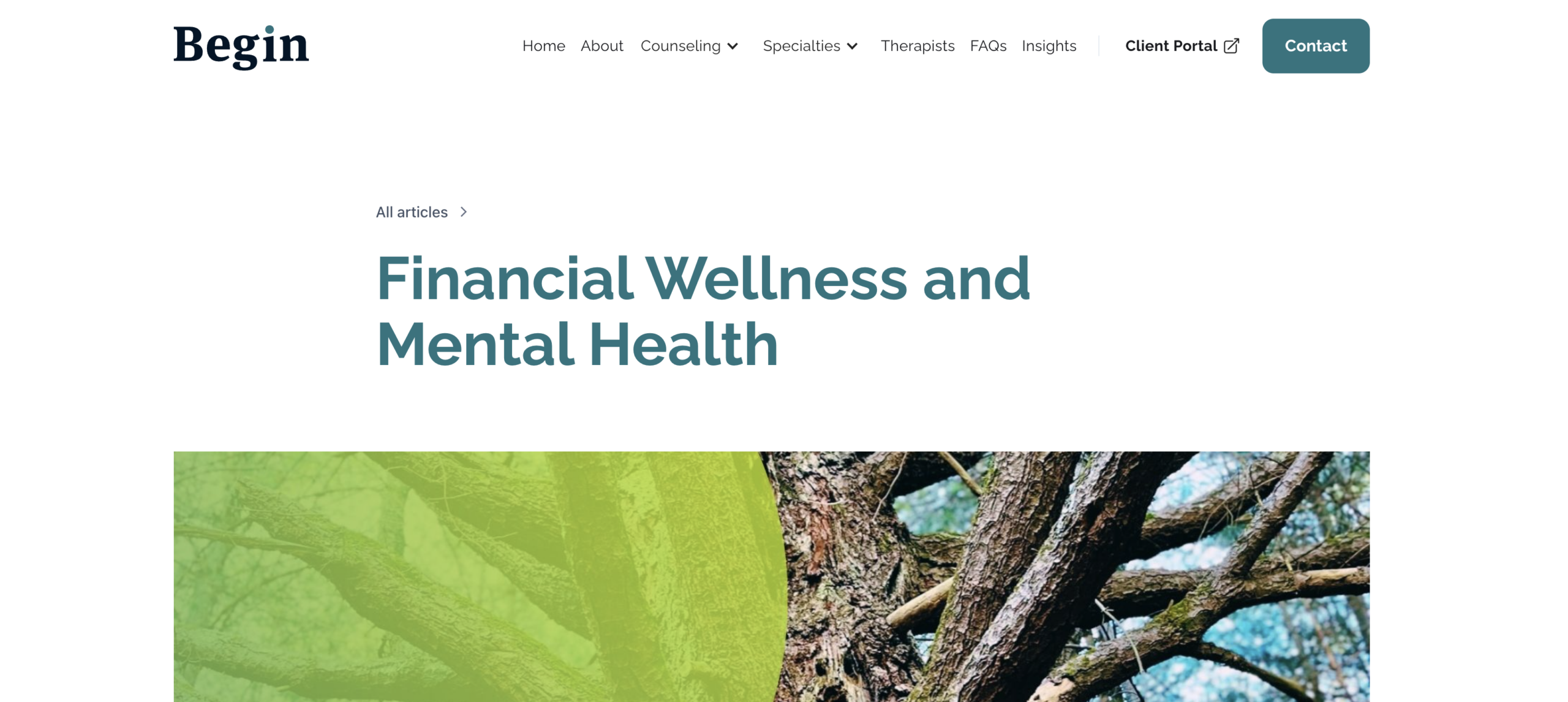
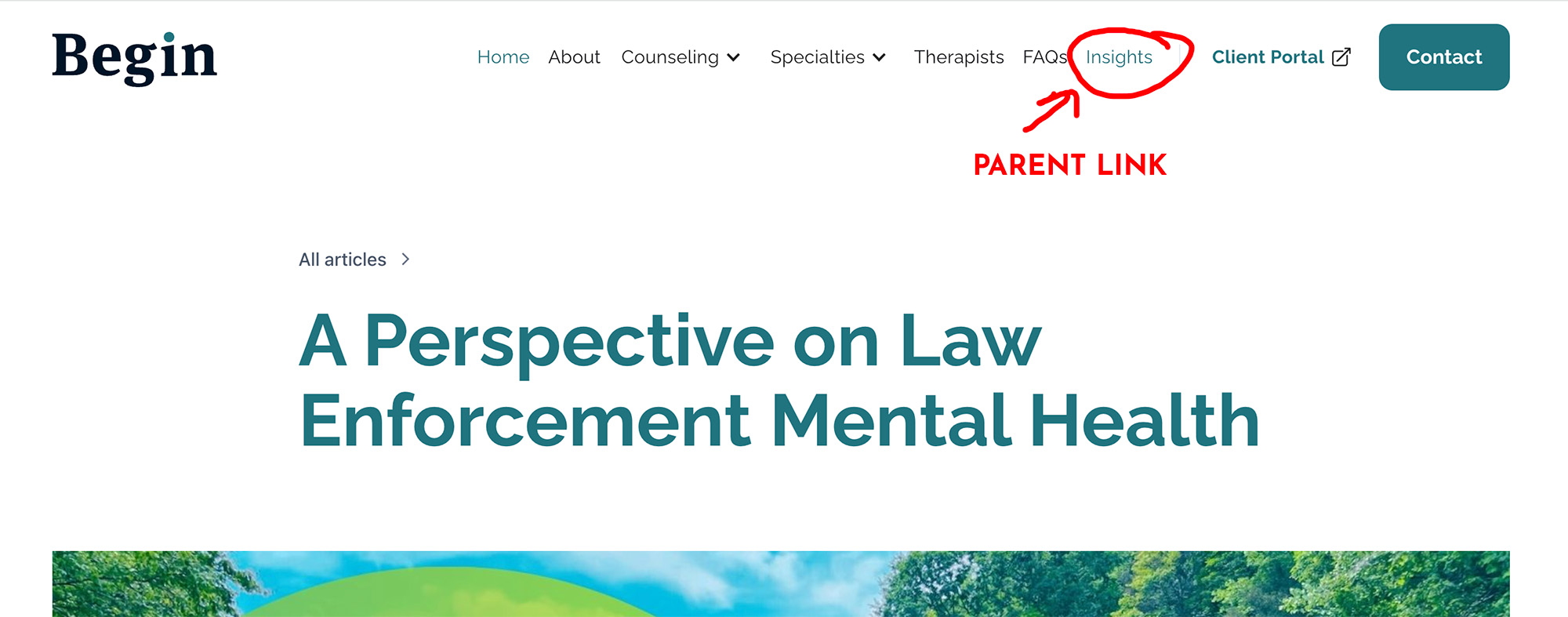
You have a top-level navigation link like Insights that points to /insights, but when you’re on an individual CMS post (for example /insights/post-name), the parent Insights link is no longer highlighted as active.
From a user experience standpoint, that’s not ideal. Visitors should always know which section of the site they’re in.
Why Webflow Doesn’t Handle This Automatically
Webflow applies the w--current class only when the link URL exactly matches the current page URL.
That works for:
/about/contact
But not for CMS structures like:
/insights/insights/post-title
Because those are technically different URLs, Webflow doesn’t treat them as the same section.
The Fix: Add the Active Class Based on the URL
I solved this by adding a small vanilla JavaScript snippet in the Before </body> section of the page settings.
Here’s the script:
<script>
window.addEventListener("load", function () {

  var currentPath = window.location.pathname.replace(/\/$/, "");

  // Scope to links inside the nav menu only
  var menuLinks = document.querySelectorAll(".w-nav-menu a.nav-link");

  menuLinks.forEach(function(link) {

    var linkPath = new URL(link.href).pathname.replace(/\/$/, "");

    // Ignore home or empty paths
    if (!linkPath || linkPath === "/") return;

    // Match exact section or child pages only
    var isMatch =
      currentPath === linkPath ||
      currentPath.startsWith(linkPath + "/");

    if (isMatch) {
      link.classList.add("w--current");
      link.setAttribute("aria-current", "page"); // improves accessibility
    }

  });

});
</script>
What This Does
- Looks at the current page URL.
- Loops through all navigation links.
- Checks whether the current URL starts with the link’s URL.
- If it does, it manually adds Webflow’s active class:
w--current.
So now:
/insights/insights/financial-wellness/insights/any-future-post
All correctly highlight the Insights nav link.
Why We Put It Before </body> – Footer Code
You’ll find that this script does not work when you place it in the <head>.
That’s because the navigation hasn’t loaded yet when the script runs. When working with Webflow components, symbols, or dynamic content, timing matters.
Placing it before </body> ensures:
- The DOM is fully loaded.
- The nav links exist.
- The script can safely modify them.
If you prefer placing the script in the <head> you’ll use <script defer> . Including defer ensures the script waits to run until the page is parsed.
Always Double-Check Your Nav Classes
One important step when using this approach is to inspect your navigation and confirm which classes are actually being used.

In my case:
- The nav menu I’m targeting is
w-nav-menu - The navigation links use the class
nav-link - The active state class applied by Webflow is
w--current
Your project may be different. Some templates or designers rename classes, and navigation links might be called:
nav-itemmenu-linknavbar-link- or something custom
If the selector in your script doesn’t match the real class on your links, nothing will happen.
How to Check
- Right-click a navigation link in your published site.
- Choose Inspect.
- Look at the
<a>tag and note:- The class used on the link
- The class applied when the link is active
Then update the script accordingly:
document.querySelectorAll('.your-class-here')
and, if needed:
link.classList.add("your-active-class");
Will the Active Class Always Be w--current?
If you’re using Webflow’s built-in navigation and link settings, the active class will almost always be w--current, because that’s what Webflow uses internally.
However, designers and developers sometimes:
- Remove default styling
- Use custom active states
- Or rely on a different class for styling
So it’s always worth confirming instead of assuming.
A Good Reminder: Inspect First, Assume Nothing
If there’s one lesson in this process, it’s this: always inspect before you troubleshoot.
Visual builders make it easy to forget that, underneath the interface, you’re still working with HTML, CSS, and JavaScript. Classes may not be what you expect. Elements may load later than you think. And behaviors that seem automatic often rely on very specific conditions behind the scenes.
Taking a few seconds to open your browser’s developer tools, inspect the element, and confirm what’s actually happening can save a lot of frustration. It turns guesswork into problem-solving.
In my experience, the developers and designers who move fastest aren’t the ones who memorize the most tricks…they’re the ones who verify what’s really happening before they try to fix it.
A Quick Note on “No-Code” Tools
This is one of those moments that makes me smile (and occasionally sigh).
Tools love to market themselves as “no-code.” But the reality is:
Every serious website, in every framework, eventually needs customization.
Whether it’s:
- Handling CMS navigation states
- Adjusting dynamic filtering
- Tweaking layout behavior
- Improving UX edge cases
At some point, you write code.
And honestly? That’s not a flaw in the tool. It’s the nature of building custom digital experiences.
No-code platforms accelerate development.
They don’t eliminate the need for logic.


